
On This Page
Table of contents
On This Page
Table of contents
When you hear “mechanical keyboards” and “gaming,” most people will recommend a linear switch.
They’re smoother & faster—but what if you like the tactile bump of tactile switches?
You’re in luck!
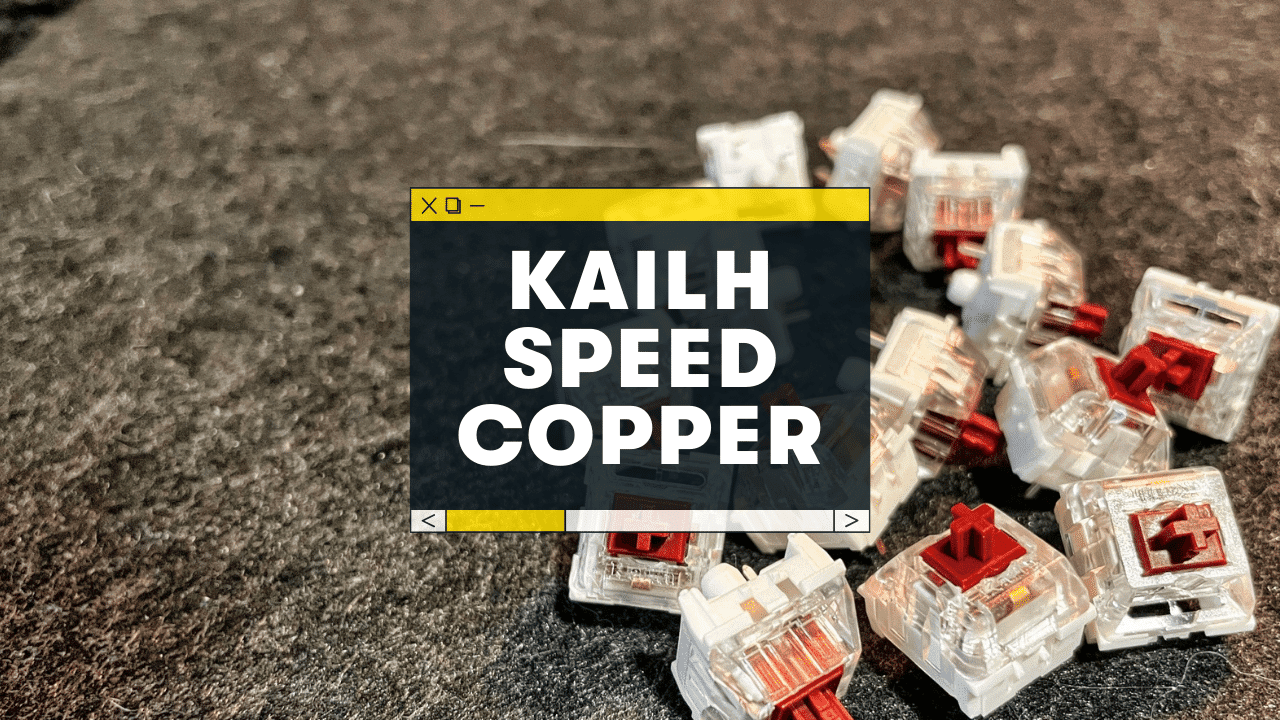
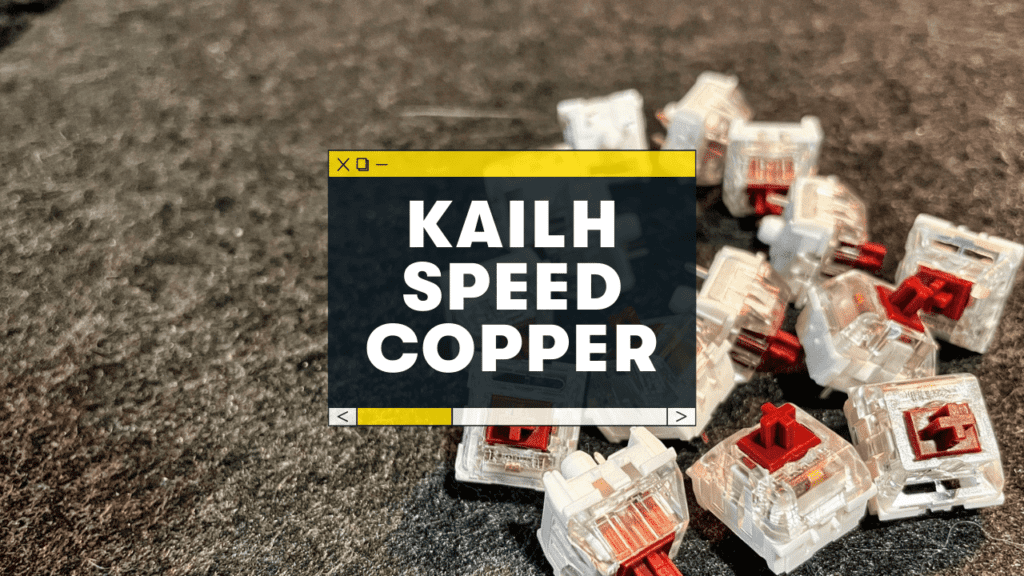
Below is my review (and sound test) of the Kailh Speed Copper TACTILE switch.
Overall Review: The Kailh Speed Coppers are light, responsive, and perhaps a tiny bit faster than standard mechanical switches. The tactile bump is subtle (not as sharp as most tactile switches), which leads to a sound & feel much like other speed linear switches. If you want a fast & light switch for gaming, but with a little more stiffness, the Speed Coppers are a great & affordable option.
As somebody who both games and works on my computer full-time, the idea of a speed tactile switch is intriguing!
Before we dive into my review, here are some other switch reviews you might like:
- Kailh Speed Gold (clicky, almost the same speed switch as the Coppers)
- Tecsee Sapphire (tactile, more muted and not a gaming switch)
- Akko Speed Silver (linear, but fast and smooth)
Kailh Speed Copper Sound Test:
They’re not quite as loud and sharp as other tactile switches (see below for alternative tactile switches).
Speed Copper Switch Details
Here are the switch details:
Type
Tactile (meaning there’s a small tactile bump during the keypress that let’s you know when the key is activated)
Operating Force
40g (VERY light resistance)
Travel Distance
1.1mm pre-travel (very short) and 3.55mm total travel (short). This is what makes the Speed Coppers a “gaming” switch
Materials
POM stem, polycarbonate housing
Price
You can find them around $0.38 per switch on Amazon
Sound
A bit clacky, but less sharp than most tactile switches
Feel
Stiff, but overall pretty fast
It’s sad, but there are a TON of keyboard sites that mix up the Speed Copper stats! Here’s the official manufacturing spec sheet:
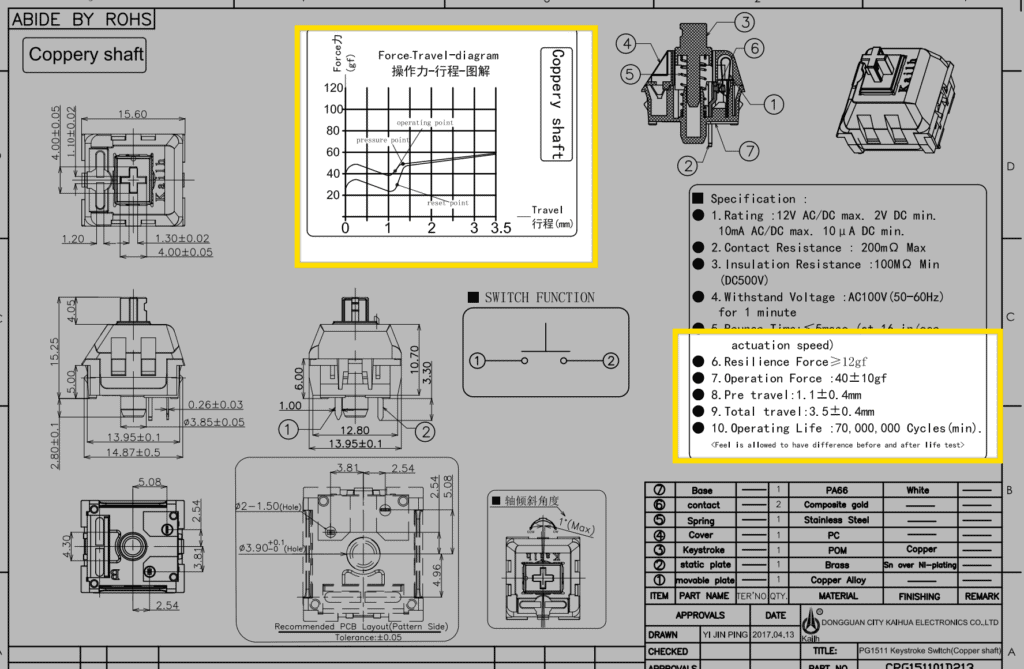 switch specs from Kailh!
So what makes the Speed Coppers so speedy? 2 things:
- VERY short pre-travel distance of 1.1mm (until the keypress is registered)
- Lighter than normal operating force (40g, compared to the 50g of the Speed Gold switches).
When you put those two together, this equals a light and fast switch—perfect for gaming!
However, the speed increase is tiny, i.e. a fraction of a millisecond! “Gaming” switches might technically be a bit faster, but the difference is barely noticeable.
”“Gaming” switches is mostly just a marketing thing in my experience, but that doesn’t mean these switches aren’t fast and fun!
Kailh Speed Copper Pricing
The Speed Coppers are right in line with the other Kailh budget switches—at just under $0.35-0.45 per switch.
Cherry MX Browns & Glorious Pandas (both tactile) will likely run you between $0.70 and $0.90 per switch, for comparison
Kailh Speed Copper Sound & Feel
After typing on these for several weeks, here’s my thoughts on the switch performance:
Sound
They still sound “muted” for a tactile switch.
They definitely have just enough of a tactile bump to be a little “clacky,” but not nearly as sharp (or as loud) as the…
- Holy Pandas
- Glorious Pandas
- Boba U4Ts
(See more info on those switches below! They’re all a bit louder and more clacky than the Speed Coppers)
If you prefer a softer, more crackly sound, the Kailh Speed Coppers are for you.
Feel
In a word, “stiff.”
But since the tactile bump is at the TOP of the keypress (1.1mm pre-travel till it activates), it’s not “slow,” or “buttery.” Just a bit “stiff.”
It’s not a bad thing, but if you WANT to really feel the tactile bump, you should choose a different tactile switch that’s more pronounced.
And do they feel faster than normal switches? No. Not to me! The speed increases are very, very small.
Alternatives to the Kalih Speed Copper gaming switches:
First, check out this post on the best tactile switches. There are LOADS of fantastic tactile switches in this price range!
Kailh Speed Gold (clicky)
I wrote a full review on the Kailh Speed Golds here—but it’s basically the same switch! (plus the addition of a small clicking noise, of course).
The pre-travel is longer (1.4mm), and the operating force is heavier (50g), but it’s still pretty fast for a clicky switch.
The click is also quite muted and subtle, much like the Speed Coppers.
Glorious Pandas (tactile)
The Glorious Pandas are probably the most “tactile” of the bunch, meaning the bump is crisp and pronounced. You’ll definitely KNOW you’re typing on a tactile switch.
And yes, they’re a bit more expensive, but they also come pre-lubed! (though you can still find the unlubed versions for a bit less money—and lube them yourself).
Tecsee Sapphire (tactile)
The Tecsee Sapphires are another MUTED tactile switch, with a softer tactile bump!
The sound can be described as “crackly” (in a good way)!
These are also a bit more expensive, but they also have an incredible sparkly design (not that you’ll see them underneath your keycaps, but alas).
Conclusion: Should you buy the Kailh Speed Copper switches?
At the price point of under $0.40 per switch, the Kailh Speed Copper switches are definitely an easy recommendation! They feel stiff but fast, and have a more muted & softened sound than other louder tactile switches.
If you want a tiny gaming competitive edge and like the muted sound, these are the switches for you!
They’re well made and built to last.
Happy gaming ;)
Speed Copper F.A.Q.s
Are Kailh Speed Copper switches good?
Yes, but it depends on what type of switch you’re looking for! The Kailh Speed switches are well-made, and the Speed Coppers are definitely a bit lighter and faster (though the tactile bump is stiff at the top of the keystroke). However, the sound is a bit more muted and softer than other tactile switches (which could be a good or bad thing depending on your preference)!
Is Kailh a good brand?
Yes, Kailh switches are well-built and generally recommended by the mechanical keyboard community. They’re made by a Chinese firm, Kaihua Electronics, with a good track record for gaming peripherals.